

Commercial WiFi and Access Point Installation in NYC
Wireless That Was Designed For The Building, Not Guessed At
Office WiFi problems can start with placement. An access point mounted where a cable happens to be may leave rooms beyond thick walls without usable coverage. Connextivity surveys the space, plans commercial Wi-Fi access points from Ubiquiti UniFi or Cisco Meraki around the building and its users, and configures staff, guest, and device access. Each planned access point is connected through suitable wired network infrastructure. Standalone WiFi deployment starts at $1,000.

OUR CLIENTS




Why Office WiFi Fails in Prewar Buildings

Building materials affect coverage. Masonry, metal lath, elevator shafts, and partitions can change how signals reach the desks and rooms that need them. A layout suited to one building may not suit another.
Access-point count also depends on demand. Layout, client density, and applications matter alongside the size of the space. We assess those requirements before choosing the number and placement.
Coverage is only part of the problem. Cameras, laptops, and guests also share network resources. Appropriate access controls, capacity planning, and traffic management address different parts of that workload.
The Survey Comes First
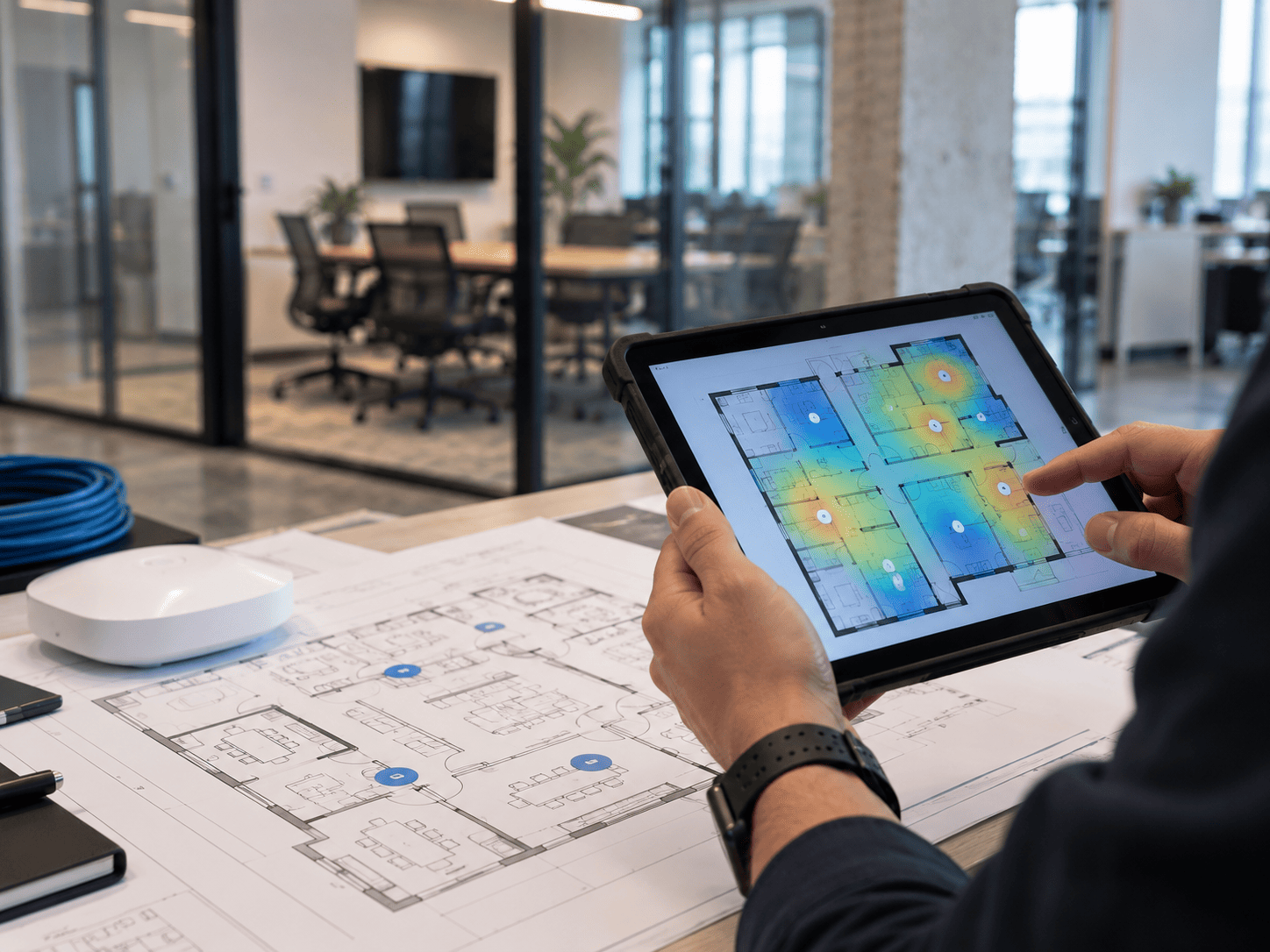
A site survey establishes what the building does to a signal before anyone specifies hardware. We walk the space, test coverage where people will actually sit, and mark access point locations against ceiling access and cable pathways.
The survey also establishes which locations need new cabling and which existing runs can be tested and reused. A wireless survey focuses on connectivity. A physical security risk assessment evaluates security risks and is a separate engagement.
Wi-Fi Needs the Right Wired Infrastructure
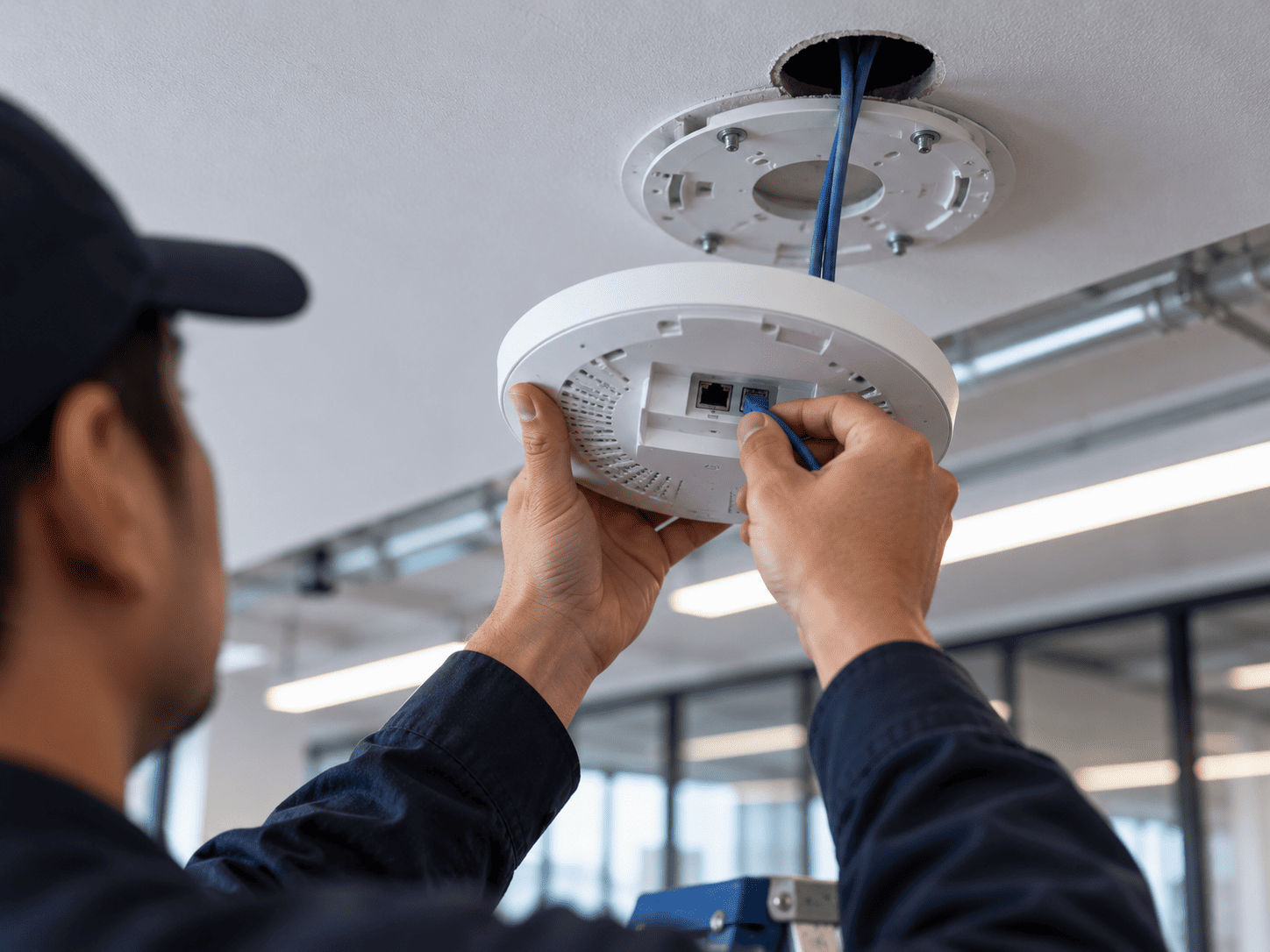
We test existing cable runs that reach the planned Wi-Fi access point locations and install new cabling where needed. Ceiling access, cable pathways, distance, and the selected equipment determine the connection design.
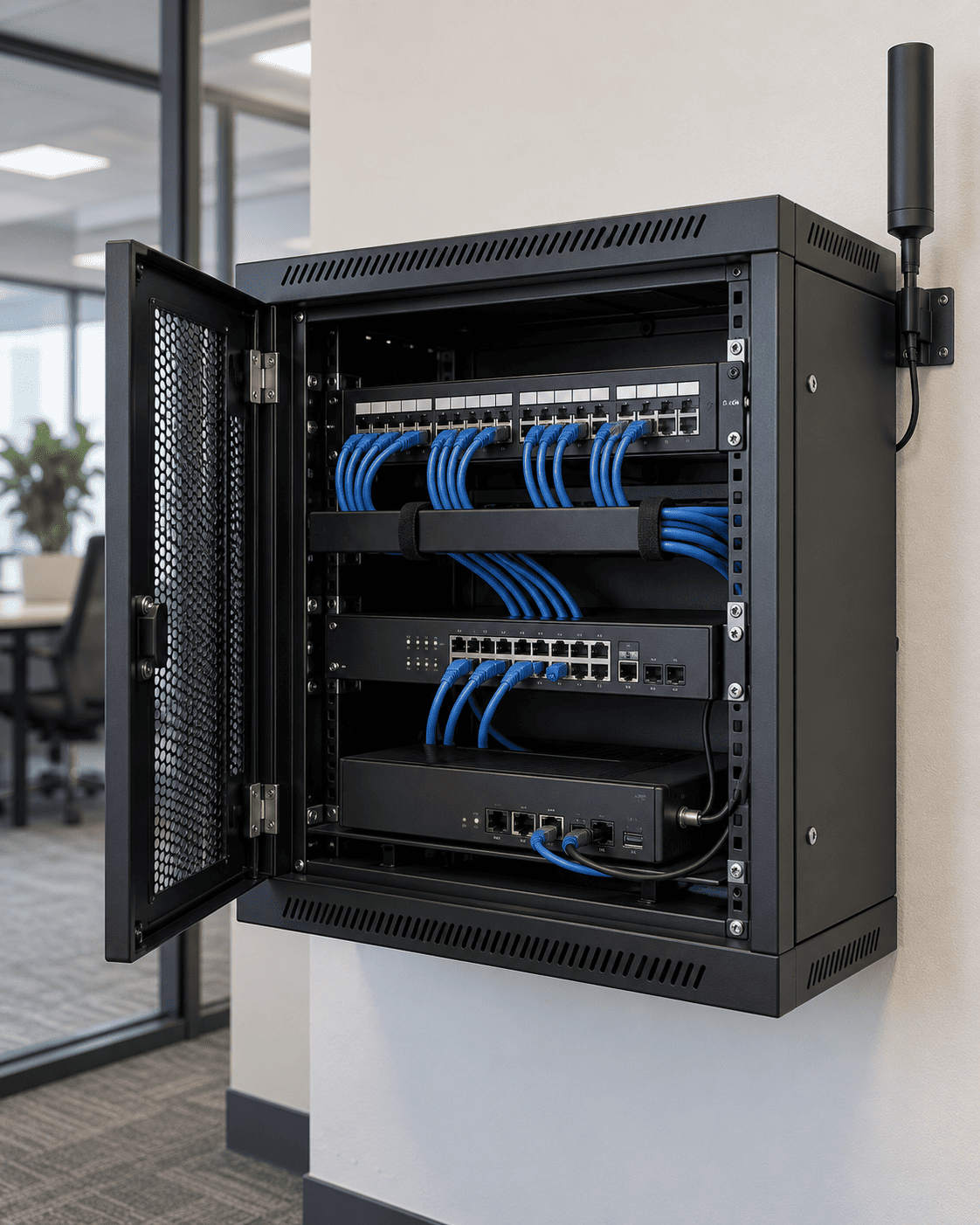
If you also need hardwired Ethernet for computers, printers, conferencing equipment, or security systems, our Networking & IT Infrastructure service covers structured cabling, switches, server racks, and firewalls alongside the wireless network.
PoE-powered access points receive power and data over Ethernet. The switch needs sufficient ports and PoE power for the connected devices, including cameras. Available ports and available power are separate limits.
Guest, Staff, and Device Networks
Wi-Fi traffic from staff, guests, and devices can use the same infrastructure while remaining logically separate. We use network segments and access rules to control which systems can communicate. Guests can reach the internet without access to internal systems; cameras, door controllers, and intercoms are separated from general user traffic, with required access configured for authorized users.
Network segmentation and firewall rules control access. These controls do not create extra bandwidth. Reliable calls and device traffic also depend on wireless capacity, internet capacity, and traffic prioritization where needed. The configuration depends on what the installed switches, access points, and gateway support.
When the Internet Itself Is the Problem
Sometimes wireless coverage is fine and the internet connection is the problem. A single carrier connection can fail, or service may not be ready on move-in day.
Peplink SD-WAN routers can support multiple connections, including cellular, with failover or SpeedFusion bonding configured for the selected equipment and services. Backup performance depends on available coverage, capacity, and power. Starlink is an option where suitable satellite service and installation conditions are available. Point-to-point wireless links between buildings require a suitable path and site assessment.

Platforms We Install
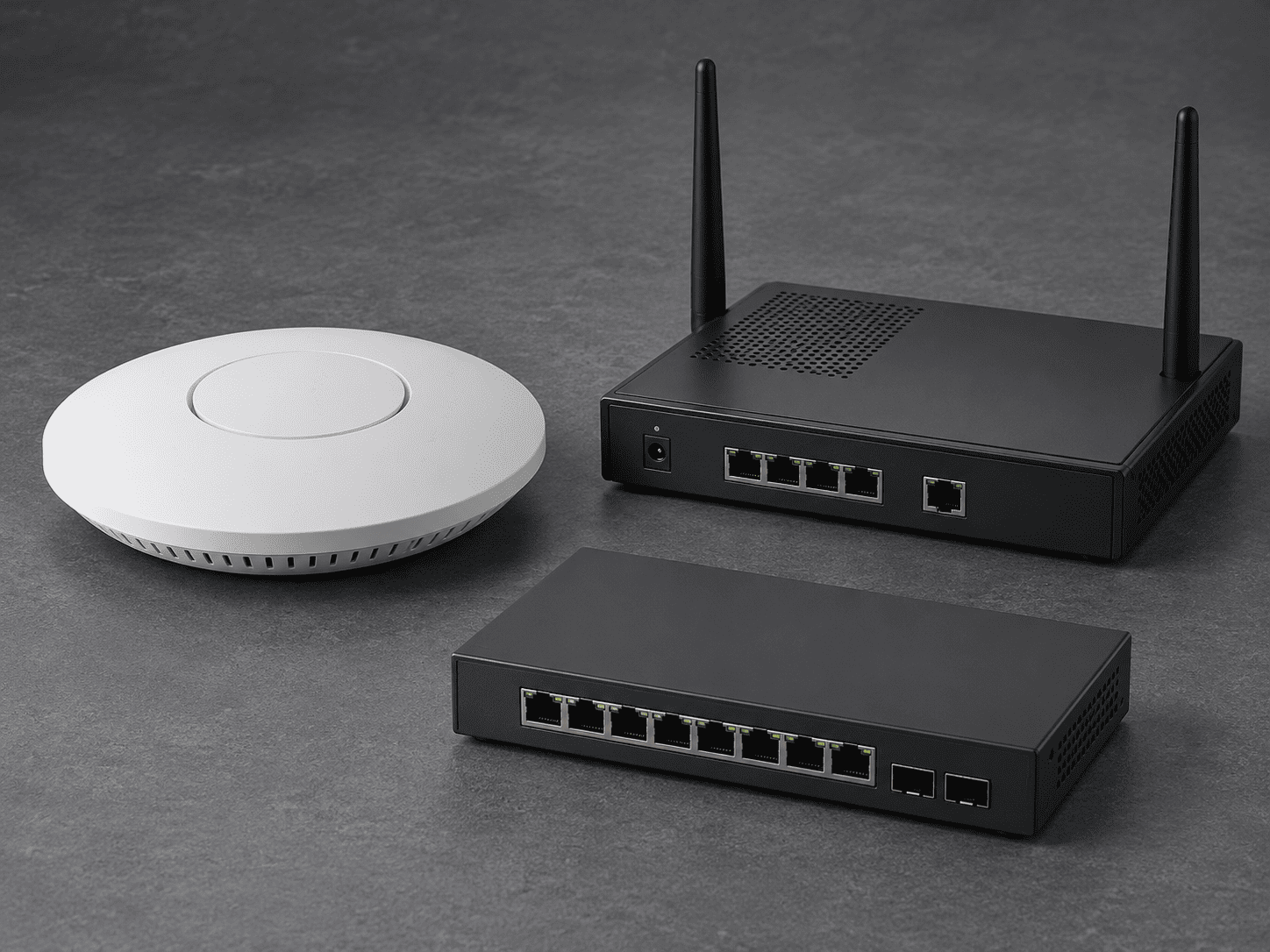
Ubiquiti UniFi: commercial WiFi access points, switches, and gateways, selected and configured for the site.
Cisco Meraki: cloud-managed wireless access points for organizations using the Meraki dashboard. We review model suitability, licensing, and existing Cisco infrastructure before specifying equipment.
Peplink: SD-WAN and multi-WAN connectivity, with failover or bonding where supported by the equipment and services.
Starlink: satellite connectivity where service, mounting, and site conditions are suitable.
The brand is chosen around coverage, capacity, management, and support requirements, not a fixed access-point count.
Pricing
WiFi deployment as a standalone project starts at $1,000.
A small office network with 3 to 5 access points, a firewall and 20 cables runs $8,000 to $15,000.
A medium building with WiFi, camera PoE infrastructure and a server room runs $20,000 to $40,000 and up.
Ongoing IT management starts at $250 per month, at $50 per month per device.
Cabling is priced separately at $300 per run, tested and labeled.
How It Works
Send us the space. A floor plan, a suite number or an address is enough.
A certified engineer follows up within one business day.
Free on-site walkthrough, including a coverage check in the rooms that matter.
Written proposal with access point count, cable count, switching, and a fixed price.

Serving All of New York
We survey, install, and configure commercial WiFi and access points across all five boroughs:
We plan wireless coverage around your building’s construction, cable pathways, and working areas, with network infrastructure coordinated alongside your IT provider where applicable.
Frequently Asked Questions
-
It depends on the construction, the layout and what people are doing on the network, which is why the survey comes before the number. Walls and density drive it more than square footage does. A survey gives you a count you can hold a vendor to.
-
Often yes. If there are runs in the ceiling that test clean and land where the survey wants an access point, we use them. Where a run fails testing or lands in the wrong place, it gets replaced, and we will tell you which is which.
-
Yes. We deploy Ubiquiti UniFi access points, switches and routers, managed from a single controller. For sites that need multiple internet connections or cellular backup, we pair it with Peplink.
-
Camera traffic can affect other users if wireless, switching, or internet capacity is insufficient. We account for camera traffic when sizing the network, separate device access from staff and guest access, and configure traffic priorities where needed. A separate network segment controls access; it does not provide dedicated bandwidth by itself.
-
The impact depends on which functions require internet access and how the installed systems are configured. Offline requirements for cameras and access control need to be checked against the specific equipment. A configured multi-WAN setup can switch to an available backup connection, but backup capacity, coverage, power, and the selected failover configuration determine what remains available.
-
Yes, and it is easier before the ceiling closes. Access point cabling goes in with the rest of the structured cabling, as part of an office move or build-out.

Talk to an engineer before you buy access points

Send the floor plan. We will walk the space, test the coverage, and come back with a count and a price instead of a guess.