
Commercial vs. Residential Security Cameras: What's Actually Different and Why It Matters
Key Takeaways
Commercial cameras are built for continuous 24-hour operation in demanding conditions. Residential cameras are built for light, intermittent use in controlled environments. The hardware difference is real and it shows up under operational load.
Resolution is not the primary differentiator. Frame rate, wide dynamic range, low-light performance, and compression architecture determine whether footage is usable when you need it — not the megapixel count on the spec sheet.
Commercial camera systems are network devices that require VLAN segmentation, encrypted credentials, PoE infrastructure, and documented network architecture. Consumer cameras are designed for plug-and-play consumer setup and do not support the configuration depth that commercial networks require.
On-camera AI analytics including object classification, license plate recognition, and behavioral event flagging are standard across commercial platforms and largely absent from consumer products. The gap matters most during post-incident investigation and real-time monitoring.
NDAA Section 889 compliance, manufacturer certifications, and IT infrastructure standards apply to commercial-grade equipment. Consumer-grade products generally cannot satisfy these requirements. For any organization with federal contracts or regulatory footage retention obligations, that distinction is a procurement requirement, not a preference.
The question most property and security managers ask when evaluating a camera system is how many cameras they need. The more important question is what kind.
Residential and commercial cameras can look nearly identical in a product photo and carry similar resolution specifications. They are built for entirely different operating environments. Putting the wrong one in the wrong place does not just limit coverage — it creates gaps that are not visible until something goes wrong, and often cannot be corrected without replacing the system.
Understanding what actually separates commercial from residential cameras makes the right specification decision straightforward rather than a judgment call made under budget pressure.
Hardware Built for Different Operating Conditions
Residential cameras are designed for light, intermittent use in controlled environments. Most handle a home network with a handful of devices, moderate weather exposure, and background recording. The hardware reflects those assumptions.
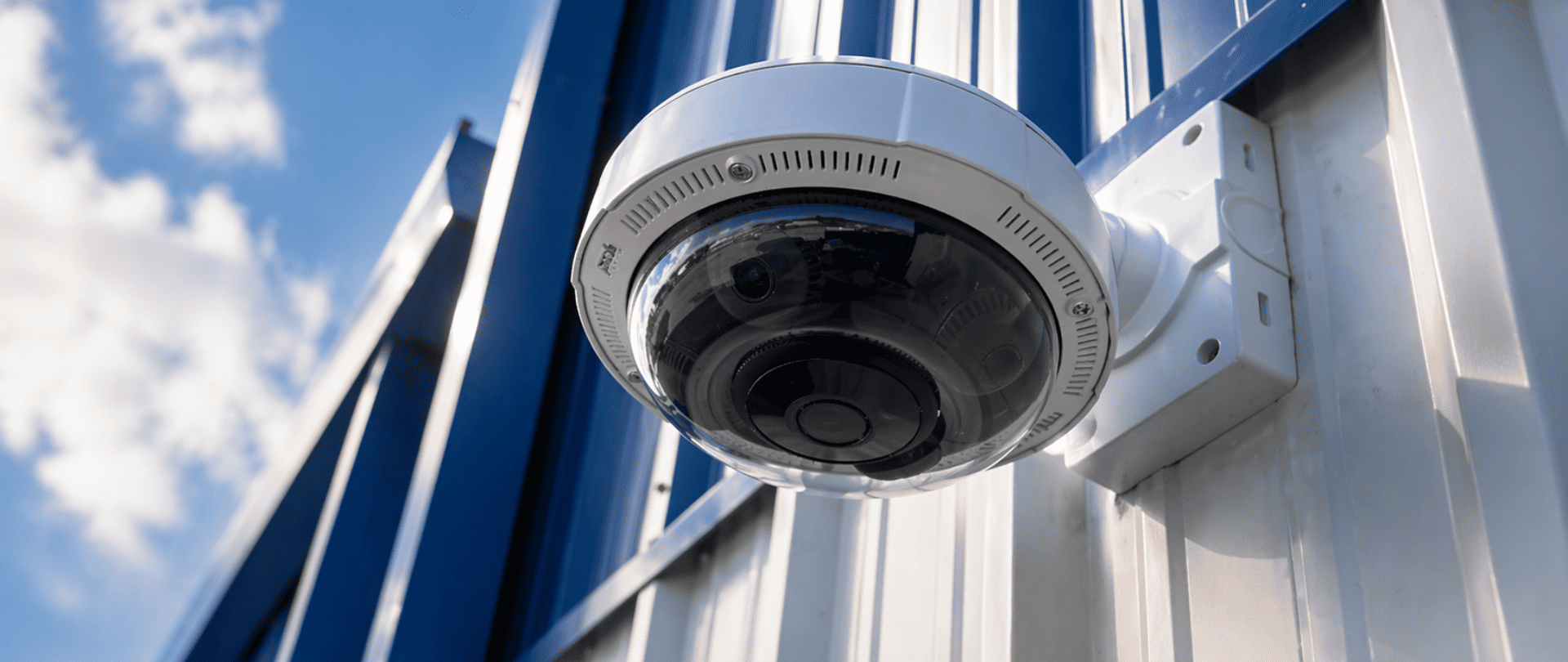
Commercial cameras are built to run continuously — often 24 hours a day across multi-camera systems in conditions that residential products were never designed for. Heavier-grade housings, wider operating temperature ranges, more durable lens assemblies, and vandal-resistant enclosures rated to IK10 impact standards are specifications that matter for facilities with outdoor exposure, loading docks, parking structures, and high-traffic corridors. For an NYC commercial building where entry hardware is exposed to temperature extremes, humidity, road salt, and the occasional deliberate impact, this difference is not marginal.
Manufacturers like Axis Communications and Avigilon publish detailed hardware specifications — ingress protection ratings, operating temperature ranges, impact resistance ratings — because their equipment is specified by engineers and procured by organizations that need these numbers before installation, not discovered afterward when hardware fails prematurely.
Image Quality and Low-Light Performance
Megapixel counts receive the most attention in camera comparisons, but resolution alone does not determine whether footage is usable when it is needed. Frame rate, compression format, wide dynamic range, and low-light performance all affect what footage can actually deliver during an investigation or a real-time response.
Commercial cameras typically offer better wide dynamic range, the ability to capture usable footage in scenes with strong contrast between bright and dark areas. A lobby with large windows, a parking lot at dusk, a building entry point with backlighting behind visitors — these are the conditions where consumer cameras frequently produce footage that washes out or silhouettes people rather than identifying them.
Axis Lightfinder delivers full-color imaging in near-darkness conditions where standard cameras require IR illumination or produce unusable monochrome footage. Avigilon's high-resolution imaging combined with Appearance Search AI provides identification-quality footage at realistic surveillance distances and the ability to find a specific person across an entire camera network in minutes rather than hours. These are not incremental improvements over consumer cameras. They are different capabilities.
Network Integration and IT Standards
This is where the gap between commercial and residential systems is widest, and where the most consequential problems surface for organizations that mix the two.
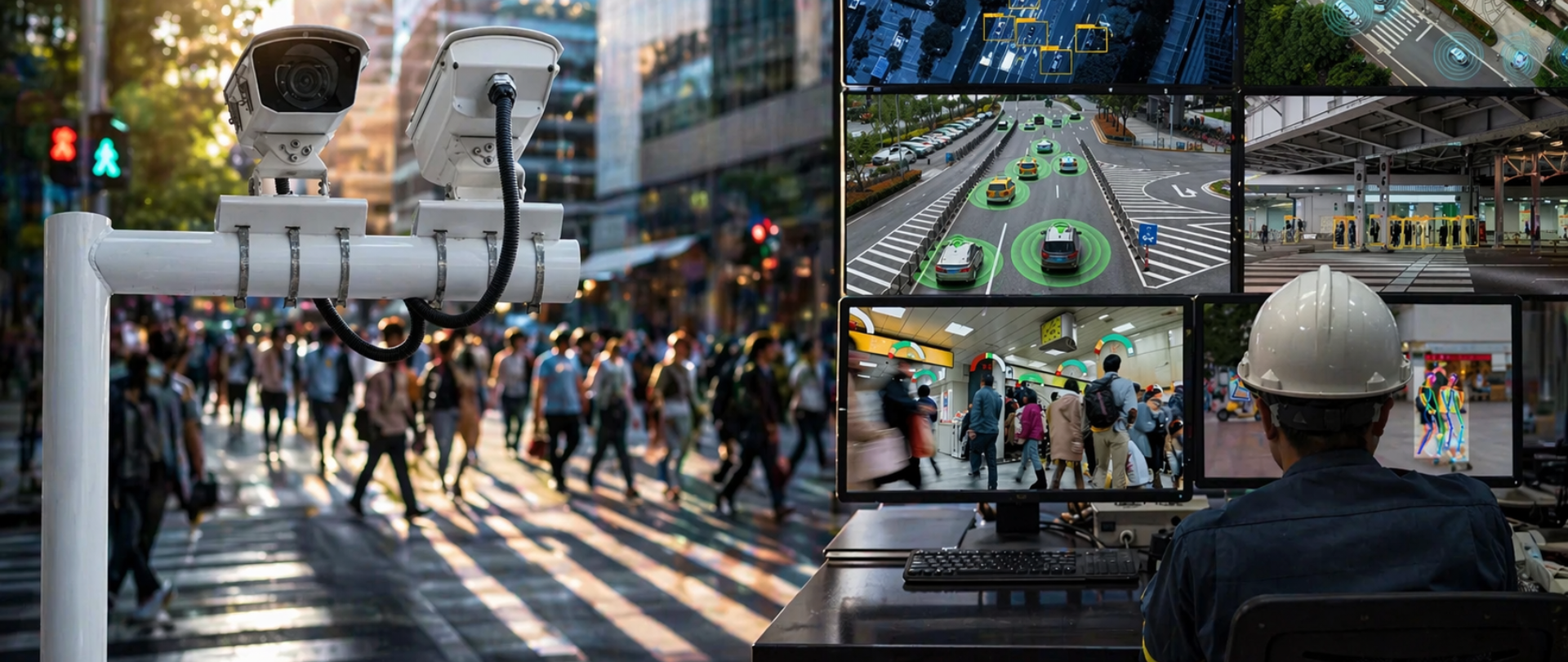
Commercial camera systems are network devices that need to be configured, segmented, and managed like any other IT asset. That means dedicated camera VLANs isolating surveillance traffic from business systems, proper firewall rules, encrypted credential management with default passwords removed at commissioning, Power over Ethernet infrastructure, and documented network architecture. Consumer cameras are designed for plug-and-play consumer setup. They frequently do not support the configuration depth that an enterprise or commercial network requires, and many carry default credentials and open ports that introduce cybersecurity vulnerabilities when connected to business infrastructure.
Connextivity approaches every security camera installation as an IT deployment as much as a physical security project. Equipment is configured to meet IT standards and manufacturer requirements. That approach is why the post on why security cameras can be your biggest security risk exists — because the network security failures of improperly configured cameras are documented and consequential.
For buildings already running access control systems or video intercoms, integration with a commercial camera platform is a defined engineering task. Integrating consumer cameras into that architecture is a workaround that creates technical debt rather than a genuine solution.
AI Analytics and Intelligent Features
Modern commercial cameras do more than record. On-camera AI is standard across most commercial product lines — object classification that distinguishes people from vehicles, motion detection with configurable sensitivity zones, license plate recognition, loitering detection, and behavioral analytics that flag specific event types for review rather than requiring operators to scrub through recording archives manually.
This capability is most significant in two contexts: real-time monitoring where staff cannot watch every feed simultaneously, and post-incident investigation where finding a specific event in a multi-camera system across a multi-hour window needs to happen quickly. The AI analytics built into Axis and Avigilon cameras allow staff to retrieve specific events in minutes. That is a direct operational difference from basic motion detection, which is approximately what consumer cameras offer.
For buildings where security incidents require footage retrieval for insurance claims, liability investigation, or regulatory purposes, the difference between a system that can produce the relevant clip in five minutes and one that requires several hours of manual review is not a feature-sheet comparison. It is a real operational and financial difference.
Storage, Redundancy, and Retention
Residential systems rely on SD cards or consumer cloud subscriptions with limited retention windows and no enterprise data management. Commercial systems use dedicated NVRs or server-based video management platforms — including Milestone Systems VMS and Axis Camera Station — with configurable retention periods, redundant storage architecture, and support for compliance requirements around footage preservation.
If your organization operates under any regulatory framework that governs how long surveillance footage must be retained — healthcare, financial services, certain government contracting contexts — a consumer-grade storage setup will not satisfy that requirement. A properly configured commercial video management system will, and it will be auditable when compliance is examined.
NDAA Compliance
For organizations with federal contracts or pursuing them, equipment selection is a compliance requirement, not just a performance consideration. NDAA Section 889 restricts the use of equipment from specific manufacturers in federal contract performance, and the restriction extends to contractor facilities where federal work is conducted.
Commercial-grade manufacturers including Axis and Avigilon maintain documented NDAA and TAA compliance. Consumer-grade products generally do not carry this documentation, and some popular consumer brands use components from NDAA-prohibited manufacturers at the chipset level regardless of the brand name on the housing. For a full breakdown of how these restrictions apply and what they mean for buildings currently running non-compliant hardware, the Hikvision and Dahua ban guide covers the relevant requirements and next steps in detail.
When Residential Cameras Are Actually Sufficient
Consumer cameras work adequately for simple, low-risk applications where the goal is basic presence of coverage in a controlled environment with no integration requirements, no regulatory obligations, and no professional network infrastructure involved. A single-camera setup monitoring a small private office that is not part of a larger building security system, has no access control integration, and carries no compliance obligations is a context where the cost differential between commercial and consumer products may not be justified by the security requirement.
The line is crossed when multiple cameras are involved, when integration with access control or intercom systems is needed, when the footage might be used for insurance or legal purposes, when the network is shared with business systems, or when any NDAA or regulatory requirement applies. At that point, consumer cameras are not a cost-saving choice. They are a liability that becomes visible under exactly the conditions where the system matters most.
FAQs
Can a small business use residential cameras instead of commercial ones?
Technically yes, but the limitations surface quickly in practical use. Consumer cameras are not built for continuous operation, do not support enterprise network configuration, and do not integrate cleanly with commercial access control or intercom systems. For businesses with staff or customers on-site, multiple entry points, or any integration requirement, commercial-grade hardware is the correct starting specification rather than an upgrade to be considered later.
Are commercial cameras significantly more expensive than consumer cameras?
Upfront costs are higher. Total cost of ownership over five years is a more useful comparison than purchase price. Commercial cameras carry longer manufacturer warranties, are built for longer service lives, do not require the frequent replacement that consumer products often do, and do not produce the rework costs that follow when a consumer-grade installation needs to be replaced because it cannot meet an integration or compliance requirement that was not considered at the time of purchase.
What network infrastructure do commercial cameras require?
At minimum, Power over Ethernet switches to power cameras over the data cable, dedicated camera VLANs to isolate surveillance traffic from business systems, and a storage server or NVR with capacity calculated for the actual resolution, frame rate, and retention period of the deployment. Properly configured commercial camera systems also require removal of default credentials at commissioning, documented network architecture, and a defined firmware update process. These requirements exist because commercial cameras are network devices, and network devices that are improperly configured introduce cybersecurity exposure regardless of their physical security function.
What's the minimum scale where commercial-grade cameras make clear sense?
There is no hard threshold, but any installation covering multiple entry points, integrating with access control or intercom systems, running in a facility with staff or customers on-site, or producing footage that might be used for incident response or regulatory purposes is a commercial-grade application. The question is not whether the camera count justifies the investment — it is whether the security requirement justifies consumer-grade limitations.
Which commercial camera platforms does Connextivity recommend?
Axis Communications and Avigilon are the two platforms Connextivity works with most frequently. Both are NDAA and TAA compliant, carry documented federal procurement compliance track records, and offer the integration depth with access control, VMS, and intercom systems that commercial deployments require. The right choice between them depends on the specific deployment: Axis for maximum open-architecture integration flexibility, Avigilon for deployments requiring AI-powered investigation tools including Appearance Search or on-premises architecture for classified or high-security environments.
Conclusion
The commercial versus residential distinction is not primarily a budget question. It is a question of what the system is being asked to do and whether it was built to do it.
A residential camera monitoring a front porch is doing a different job than a commercial camera covering a loading dock, a parking structure, or a building entrance that serves a multi-tenant office population. The hardware, network requirements, analytics capability, storage architecture, and compliance standards are different because the operating environments and the consequences of system failure are different.
For any property where security footage might be needed for incident response, insurance, regulatory compliance, or liability defense, the system needs to be built for commercial use from the start. Retrofitting that capability after an event that revealed the system's limitations is significantly more expensive than specifying it correctly the first time.
Managing a commercial property and not sure whether your current camera system was built for what you're actually asking it to do?
Connextivity designs and installs commercial-grade camera systems for properties across New York City, starting with an assessment of what the building actually needs before any hardware is specified. Certified partners of Axis Communications and Avigilon, NYS licensed installers.
Contact us to schedule a security assessment.
Related Articles
Professional Security Camera Installation NYC: What Building Owners Need to Know
Why Your Security Cameras Might Be Your Biggest Security Risk
Avigilon vs Generic IP Cameras: What the Difference Actually Means for NYC Buildings
How Axis Camera Installation Helps NYC Buildings Actually Improve Security
What to Do If Your Business Is Running Hikvision or Dahua Cameras