
Preventive vs. Reactive Security Maintenance Explained
Key Takeaways
Security systems degrade silently. Cameras can be offline, out of focus, or not recording with no alert generated. Motion sensors can fail or be wired incorrectly and still look active on a panel.
Whether cameras are on is the wrong question to be asking. What matters is whether the system could secure the property and produce usable evidence if something happened today.
Preventive maintenance covers what a visual check cannot catch: storage integrity, firmware currency, battery capacity, and the physical condition of every device.
Commercial-grade equipment from reputable manufacturers is what insurance providers require because it is built to produce reliable, evidential-quality recordings over time.
Documented maintenance history is a relevant factor in insurance claims and liability situations, and its absence is difficult to explain after an incident.
A fall 2024 audit of New York City Transit found that roughly 900 cameras and related pieces of equipment had been scheduled for preventive maintenance. Of those, the MTA could verify that only about 300 had actually been serviced, according to Security Sales & Integration. The other two-thirds had no documented upkeep.
That finding is worth sitting with. This was not a study of neglected small businesses. It was a transit authority with dedicated staff and formal maintenance schedules. And still, most of the systems due for service had not been touched.
Security systems fail silently. A camera continues displaying a live image while the drive it records to stopped writing weeks ago. A motion sensor is physically disconnected from its mount, but the panel still shows it as active because it was never set up to report a tamper or trouble condition. A camera lens drifts out of focus so gradually that no one notices until someone pulls footage and can barely make out a face. None of this triggers an alarm. The only moment any of it becomes visible is when someone urgently needs footage or alarm data and discovers it was never there.
This article explains what silent failure actually looks like in the field, what a legitimate maintenance program covers, and where the liability exposure sits for building owners and property managers in commercial properties.
What We've Actually Found in the Field
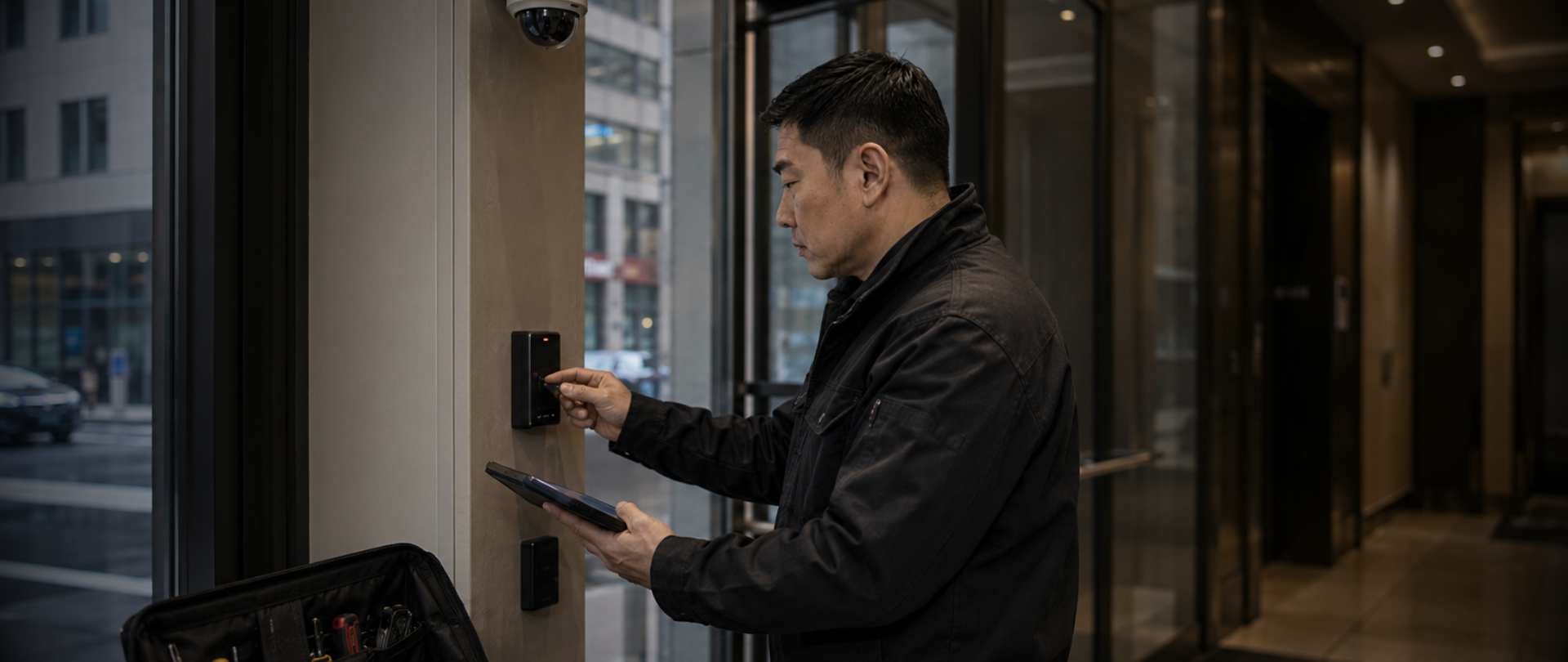
The obvious failures are still the ones that get missed most often. Cameras that are offline, out of focus, or not recording should be easy to catch. They aren't, because most buildings have no one running systematic checks. Someone glances at a monitor, sees images on screen, and moves on
Alarm sensors are where the hidden failures get more serious. Motion detectors can stop working due to age or physical damage. They can also be wired without proper supervision, so when a wire gets cut during a renovation, it never registers as a fault on the panel. The zone just stops providing coverage, unknown to anyone until alarm records are reviewed after an incident.
Recording failures are the most consequential. A server or NVR has finite storage. When it fills, most systems loop and overwrite old footage automatically. The problem comes when a drive begins to fail and stops writing entirely, with no indication on screen that anything has changed. The camera feed keeps playing normally.
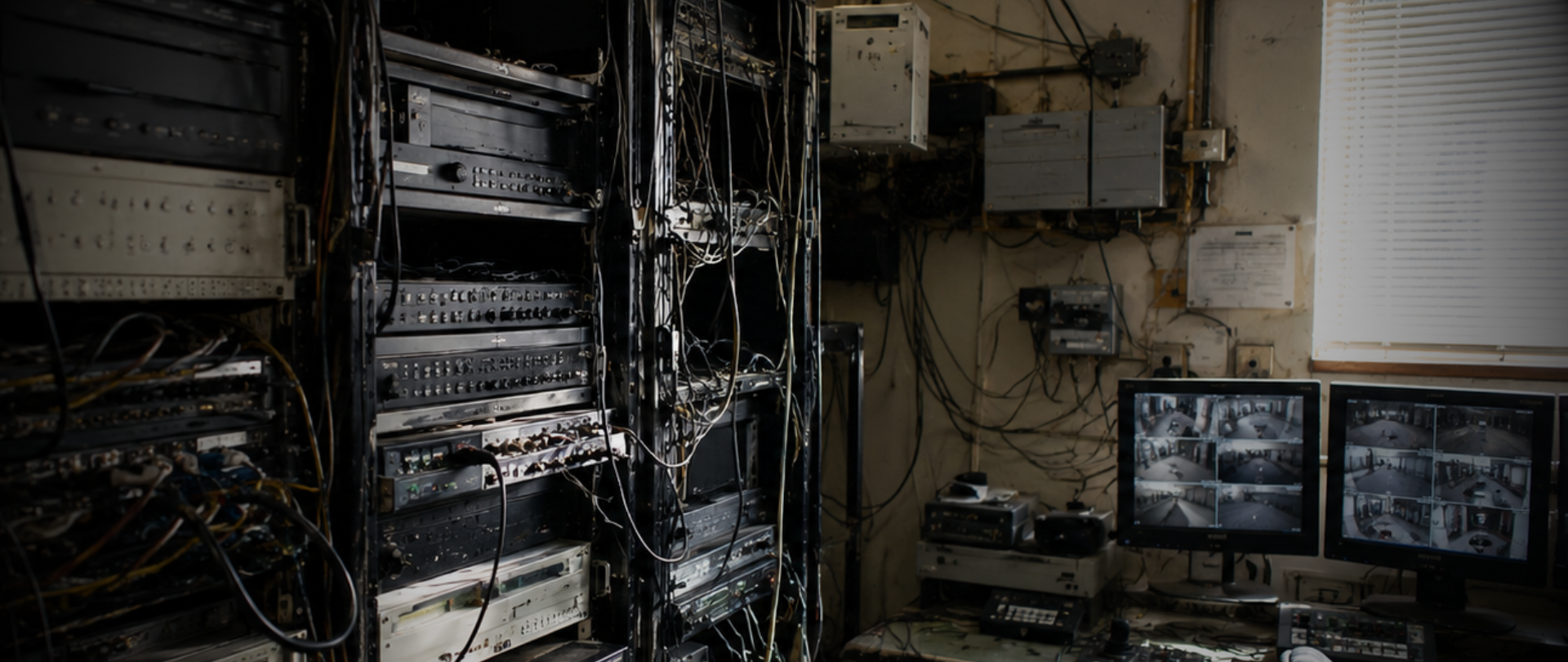
When Connextivity took over service for a government installation that had been through several contractors over the years, the state of the system was not what the client expected. Some camera locations had no cameras at all. Just mounts on walls with wires dangling, unconnected to anything. The cameras that were recording were running at reduced frame rates and resolution because the server was not sized to handle full-quality recording across all channels. The recordings existed but wouldn't have been usable for identifying anyone.
The client knew some cameras were missing. They didn't know the full extent of what had stopped working, or that prior contractors had made things worse through attempted fixes over the years. We repaired it within the first week on site: repaired cabling, replaced aging cameras, installed equipment in locations that had only ever had empty mounts, and migrated everything to a properly sized server with corrected recording settings. All cameras now run on-camera AI to detect and track people and vehicles, with event data that can actually be retrieved when needed.
The client has continued requesting upgrades since, specifically because they can now pull reliable video when they need it. More on that project is on our projects page.
The Question Worth Asking
Most building operators and property managers stop at whether cameras are on, and that's the wrong place to stop. The question that matters is whether the system could actually secure the property right now and produce clear, usable evidence if something happened tonight. A system running on an undersized server with reduced frame rates has cameras but not usable evidence. A system with a motion sensor wired incorrectly has an alarm panel with no actual coverage of that zone. The gap between what the system appears to be doing and what it would deliver in a real situation is where the risk sits.
A security assessment is the direct way to get that answer. It documents what is working, what is degraded, and where the coverage gaps are. For most commercial properties in New York City, that hasn't been done since the original installation.
What Maintenance Actually Covers
A monthly walk-past and a glance at the monitor is not maintenance. Real service is methodical and addresses failure modes that cannot be caught any other way.
Physical inspection confirms that cameras are properly mounted, lenses are clean, housings are intact, and fields of view still cover the areas they were designed for, since housings shift over time and exterior cameras in New York City conditions accumulate grime that degrades image quality and makes footage harder to use as evidence.
Storage health and integrity testing confirms that recording devices are writing correctly and that drives aren't showing early signs of deterioration. A drive can be actively writing right now while already failing in ways that will lead to data loss within weeks. That condition produces no visible error and can only be caught by someone actively testing it.
Firmware and software updates close known vulnerabilities and fix performance issues manufacturers have already identified. For some installations, this requires a technician on-site with current firmware and a documented update process. For networked systems, it requires someone actively checking that updates exist and applying them, not assuming auto-update is handling it.
Battery testing is where assumptions are most dangerous. An uninterruptible power supply installed several years ago may have batteries degraded well below what's needed to carry the system through a power event. Without a load test, there's no backup, regardless of what the indicator light shows.
Connextivity's security system maintenance program covers all of these for commercial properties and institutional clients. For a government installation we service on an ongoing basis, visits include inspecting cameras across multiple buildings, testing server and storage health, applying firmware updates, load-testing UPS batteries, and providing remote diagnostic support between scheduled visits.
Why Insurance and Liability Enter the Picture
Insurance providers typically require listed commercial security systems and cameras from reputable manufacturers. That requirement exists because commercial-grade equipment is built to reliability standards that consumer and low-cost products aren't, producing clearer and more consistent recordings over time. When a claim is filed, it's the kind of timestamped, high-resolution evidence that actually supports the claim rather than complicating it.
When an incident leads to a claim or litigation, documentation of regular service is part of how a building owner demonstrates that security infrastructure was being maintained to a reasonable standard. Without that documentation, the position is harder to defend regardless of whether cameras were on the day of the incident.
How to Check Right Now
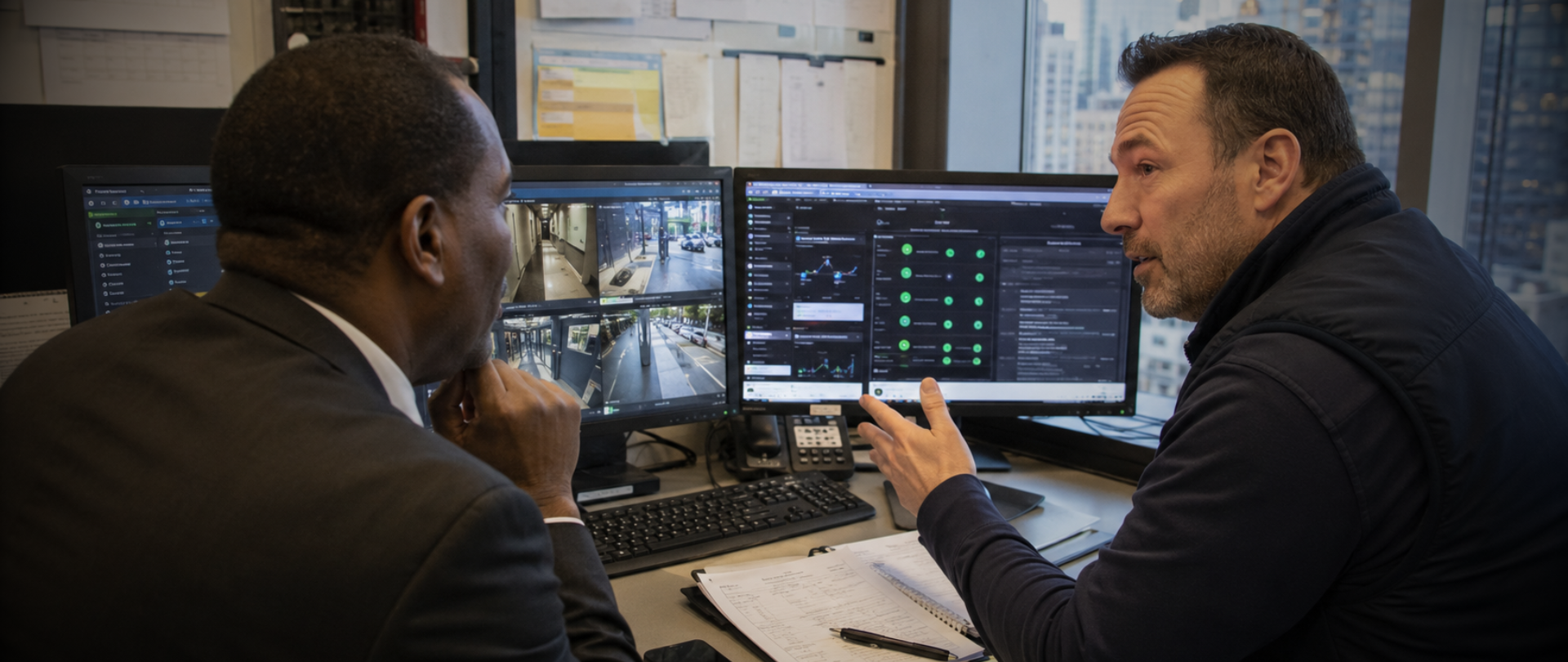
Ask whoever manages the system to pull and verify recorded footage from a specific camera for the past 30 days. Confirm it's there, that it covers the intended area, and that the resolution is what you'd expect. Then check storage capacity across all recording devices and confirm how many days of retention the system is actually holding.
For properties where documented maintenance hasn't happened in over a year, those checks will usually turn up something that needs attention. Finding it now costs less than finding it after an incident, and less than discovering during a claim that the system wasn't working.
FAQs
How often should commercial security systems be serviced?
Annual preventive maintenance is the minimum for most commercial systems. Properties with larger camera deployments, high-use access control systems, or exterior cameras facing seasonal weather often benefit from visits every six months. Components like UPS batteries and storage drives should be evaluated based on expected service life rather than a fixed calendar date.
What does a security maintenance visit actually cover?
A proper visit covers physical inspection of all hardware, firmware and software updates, storage health and integrity testing, UPS battery testing, and cleaning. Each one addresses a different failure mode. Without all of them, the system's reliability is an assumption rather than a known quantity.
Can a camera appear to be working while not recording?
Yes, and it happens more often than most people expect. A camera can show a live image on a monitor while the recording device has been offline, full, or degrading for weeks. It's one of the most common findings on a first maintenance visit to a system that hasn't been serviced in a while.
Why does equipment brand matter for insurance?
Insurance providers typically require listed commercial systems from reputable manufacturers because that equipment is built to a reliability standard that consumer-grade products aren't. It also produces the kind of clear, timestamped recordings that hold up in a claim or legal proceeding.
What is the difference between preventive and reactive maintenance?
Preventive maintenance catches problems before they cause a failure. Reactive maintenance means responding after the system has already stopped working. Reactive service costs more per incident and tends to create coverage gaps that surface at exactly the wrong time.
Final Thoughts
Security systems aren't cheap. The cameras, servers, access readers, and alarm sensors in a commercial building represent a budget commitment that owners expect to last for years. What erodes that investment over time is the slow accumulation of things nobody checked: a drive that stopped writing, a sensor wire cut during a renovation that never registered as a fault, a server dialed down to settings that made recordings nearly useless as evidence. Those problems are usually fixable quickly once someone actually looks, but most commercial properties go years without that happening.
If you manage a commercial property in New York City and haven't had documented security system service in the past year, contact Connextivity to schedule a maintenance review and find out where your system actually stands.
Related Articles
Security System Maintenance — Connextivity's maintenance programs for commercial and institutional clients
Security Assessments — How a professional assessment establishes an honest baseline for what your system is actually doing
Why Your Construction Site Needs More Than Cameras — How reactive security approaches leave gaps that cost more to fix later
